The ultimate digital scorebook built for street, tape-ball, school, and club cricket. Fast ball-by-ball scoring, custom rules, career statistics, and instant scorecard sharing—entirely on your device without internet.

Whether you're playing tape-ball under floodlights or umpiring a 40-over weekend league, Cricket Scorer delivers unmatched speed and reliability.
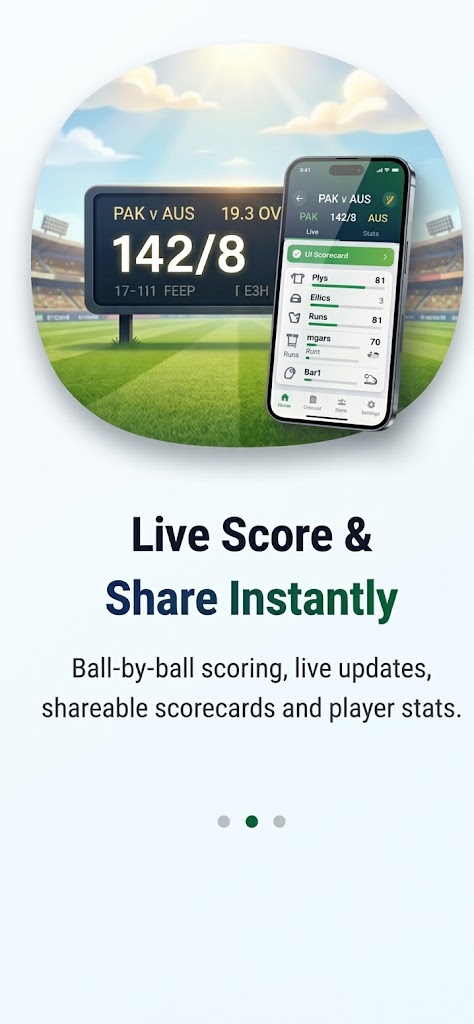
Score dots, singles, boundaries, extras, and wickets with a single tap. Designed for fast scoring without taking your eyes off the pitch.
Customize balls per over (6 or 8), wide penalties, no-ball free hits, and total overs to match your local street or tournament regulations.
Track player runs, strike rates, high scores, wickets taken, economy rates, and five-wicket hauls automatically across all recorded matches.
Generate high-resolution scorecard snapshots or WhatsApp-formatted text summaries to celebrate victories with your team immediately.
Check ongoing international tournament schedules and public live match scores while managing your local ground games.
Your match scores, teams, and rosters belong exclusively to you. All records remain safely stored on your device with full export/import control.
Clean, high-contrast dark interface optimized for bright outdoor daylight and night matches alike.
Cricket Scorer respects your privacy. We believe a scorekeeper utility should never spy on you, sell your roster details, or require unnecessary cloud accounts.
Everything you need to know about Cricket Scorer, match rules, and local data storage.
Yes, 100%! The match creation, ball-by-ball run pad, scorecard generation, and player statistics engines all run locally on your phone without cellular data or Wi-Fi.
Yes. In Settings, you can configure balls per over to 6 (ICC standard) or 8 (tape-ball), as well as custom wide penalty rules and no-ball free hit settings.
All matches, team rosters, and player career records are saved exclusively in your phone's encrypted local storage (AsyncStorage). Nothing is uploaded to remote servers.
In Settings > "Save & Backup Data", tap "Share Match Backup" to export a complete JSON backup file via WhatsApp, Google Drive, email, or Notes, which you can restore on any device.
Go to Settings > "Save & Backup Data" and tap "Delete / Reset All Data". After confirming, all match records and statistics will be permanently removed from device memory.
No. The current release contains zero third-party advertising SDKs and zero tracking libraries, providing an uninterrupted pitch-side scoring experience.